Smart Home Displays: The 2026 Buyer's Guide
By Ethan Halfhide · Updated
Smart home displays solve a problem voice control never quite fixed: seeing the state of your house at a glance and letting anyone in the household change it without unlocking a phone. In 2026 the category has split between wall-mounted control panels built purely for the smart home and countertop displays that also handle media, recipes and video calls. This guide covers both, plus the hub-with-a-screen devices that quietly do the same job for less.
Smart Home Displays: The 2026 Buyer's Guide
 Amazon Echo
 Google Nest
 SwitchBot
 Amazon Echo
What counts as a smart home display
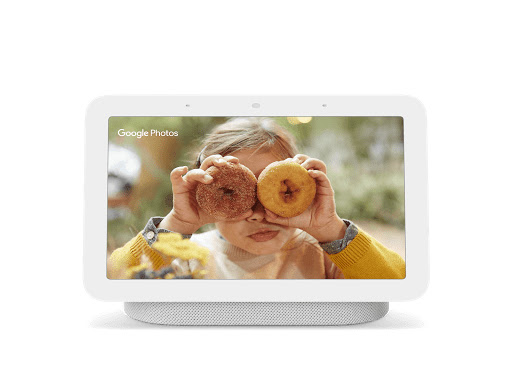
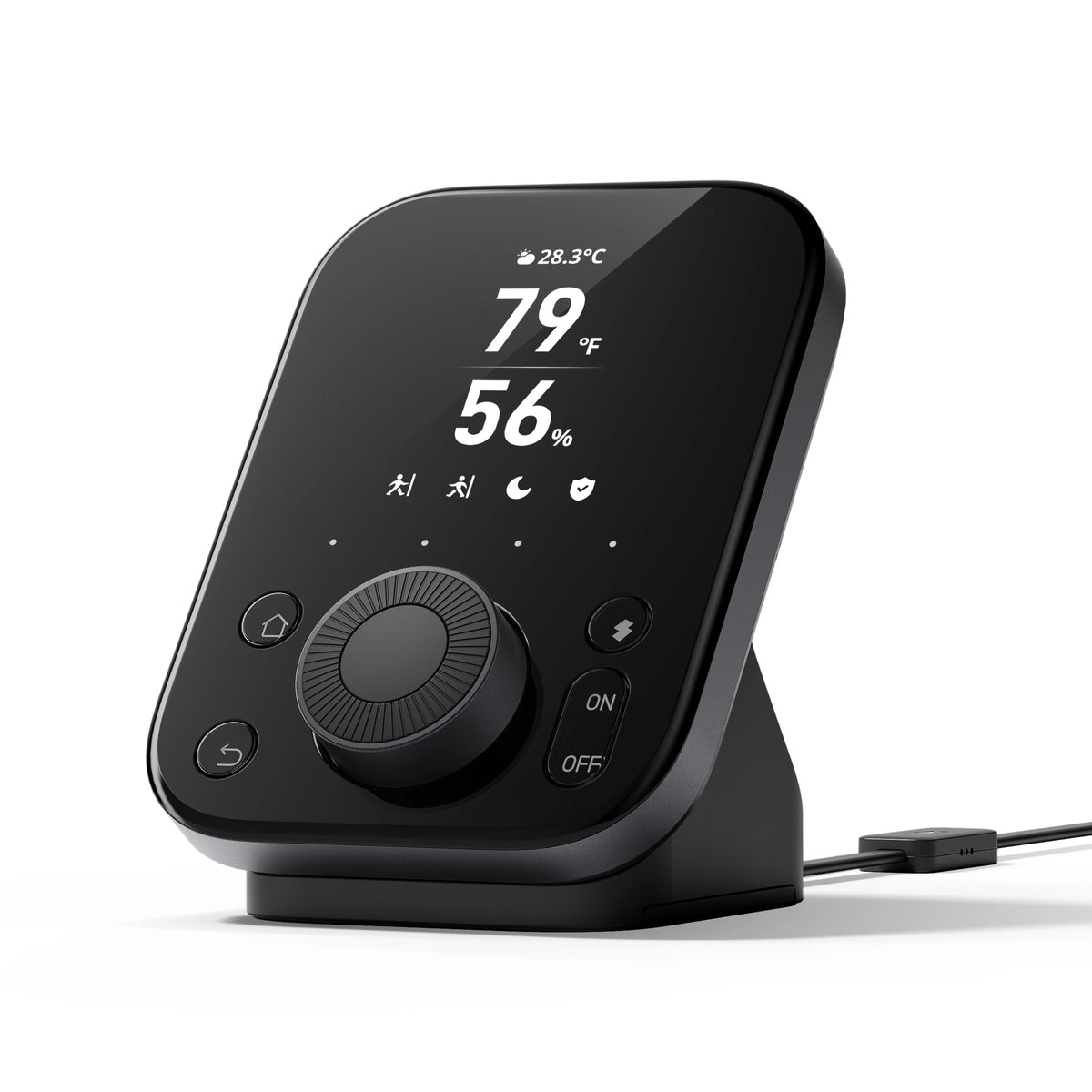
A smart home display is a screen whose primary job is device control rather than content. The dedicated control panels — the Amazon Echo Hub is the clearest example — mount on a wall, show live device state, and are designed to be tapped in passing. General-purpose smart displays like the Google Nest Hub add media playback, photo frames and video calling, and are usually placed in a kitchen or on a nightstand; the Google Nest Hub 2nd Gen review covers that use case in detail. A third group, hubs with small screens such as the SwitchBot Hub 3, give you status and a control knob without pretending to be a tablet. The questions worth asking are whether the display is also a Matter controller, whether it has a camera and physical shutter, and whether it works during an internet outage. Whatever you pick, it will mostly be showing the same platform app covered in our smart home apps compared guide.
Buying guide
Decide first whether you want a control panel or a general-purpose display, because they suit different rooms. A wall panel by the front door or in a hallway gets used constantly; a countertop display in a kitchen mostly plays music and shows recipes. Next, check privacy: the Nest Hub 2nd Gen has no camera at all, most others have a camera with a shutter, and a few have neither. Third, confirm the display is a Matter controller if you want it to run automations rather than merely display them, some displays are just clients, in which case pair one with a proper controller from our roundup of smart home automation controllers. Finally, be realistic about placement and power. Wall panels need a nearby outlet or in-wall power, and running that cable is the part of the project that stalls most often.
If you do not need a screen at all, our smart speakers guide covers voice-first options.
Best smart home displays

Amazon Echo
Amazon Echo HubDedicated 8-inch smart home control panel with built-in Thread border router
- +Dedicated smart home panel, not a repurposed Echo speaker
- +Built-in Thread border router extends your mesh network
- −Alexa-centric: Google Home and HomeKit supported but not first-class
- −Requires Wi-Fi for remote features
Google Nest
Google Nest Hub (2nd Gen)Bedside smart display with radar sleep tracking and hands-free Google Assistant.
- +Soli radar sleep tracking with no camera, wearable, or subscription needed
- +Sunrise alarm gradually brightens display to ease morning waking
- −No camera, cannot make or receive video calls from the display
- −Speaker is adequate for ambient sound but underwhelming for serious music listening
- +IR control for legacy appliances
- +Built-in sensors and knob
- −Full value requires other SwitchBot accessories
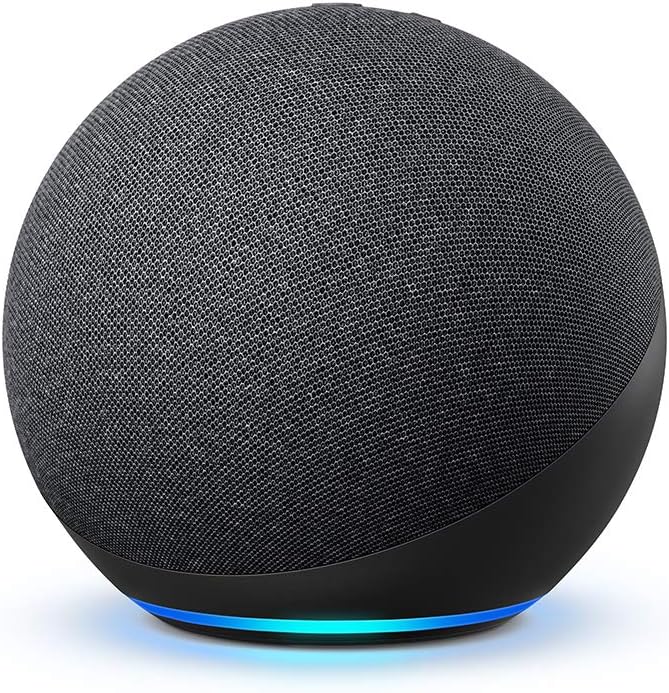
- +Built-in Zigbee, Matter, and Thread hub, eliminates a separate hub purchase
- +Dolby-tuned 3-inch woofer with adaptive room acoustic EQ
- −Deep Alexa ecosystem lock-in, limited cross-platform device control
- −Always-on microphone array is a privacy concern for some households
- +Doubles as a Matter hub and Thread border router
- +Built-in presence sensing for automations
- −Requires C-wire for some HVAC setups
- −New product with limited long-term reviews
Aqara
Aqara Smart Hub M3Multi-protocol hub with Zigbee 3.0, Thread and Matter support and local automations
- +Supports Zigbee 3.0, Thread and Matter in one hub
- +Zigbee 3.0 bridges legacy Aqara devices to Matter
- −USB power adapter is not included
- −Only one IR air conditioner can be exposed to Matter
Aqara
Aqara Camera Hub G3504K dual-lens pan-and-tilt camera that doubles as an Aqara Zigbee hub and Matter controller.
- +Aqara calls it the world's first Matter-certified dual-lens camera
- +Works with Apple Home (including HomeKit Secure Video), Google Home and Alexa
- −Zigbee hub supports Aqara Zigbee devices only
- −Plug-in only, no battery
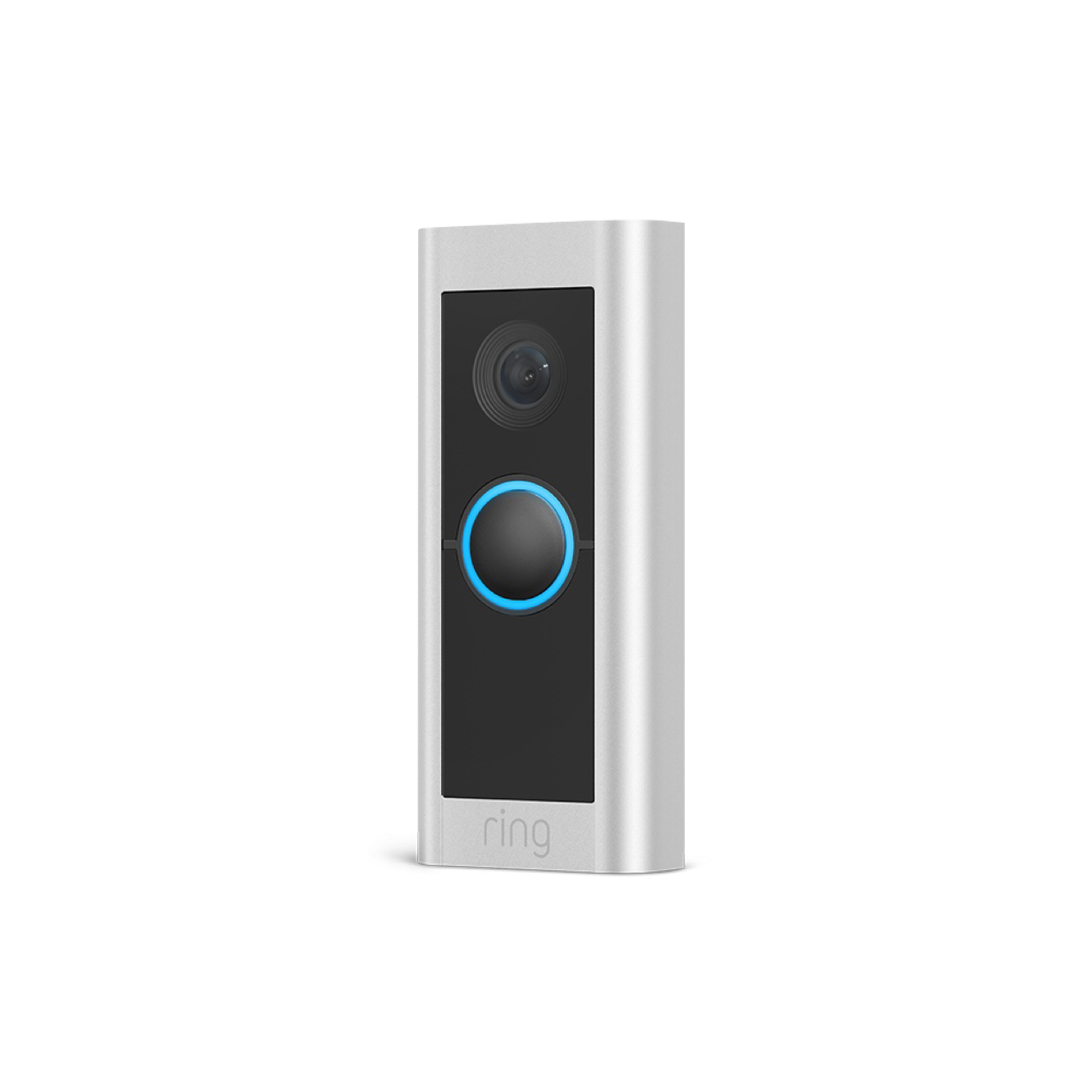
- +1536p head-to-toe field of view captures packages on the ground
- +3D radar motion detection with customizable distance zones
- −Ring Protect subscription ($4.99+/month) required for cloud recording and AI detection
- −Hardwired only, requires existing doorbell wiring or electrician installation
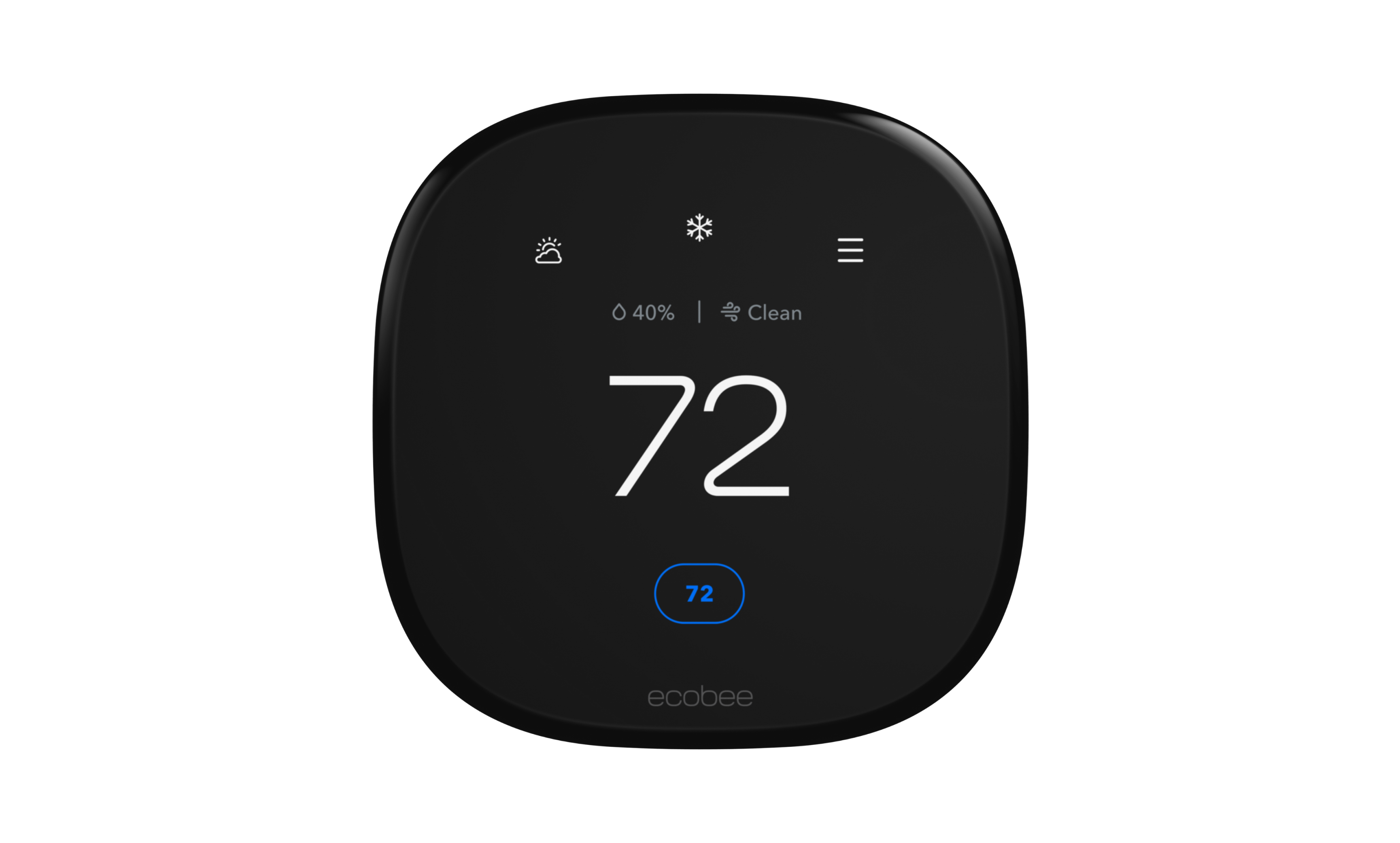
Ecobee
Ecobee Smart Thermostat PremiumSmart thermostat with a SmartSensor in the box, air quality monitoring, and Siri or Alexa built in.
- +Indoor air quality monitor with alerts and air filter reminders
- +SmartSensor in the box helps balance temperature in the rooms you use
- −Built-in voice assistant may not suit privacy-conscious households
- −Regular price is $60 more than the Enhanced ($259.99 vs $199.99 on ecobee.com as of October 2026)
- +Combined Matter hub and Thread border router
- +Built-in 15W wireless charger
- −Tied to the SmartThings app
- −Limited Zigbee/Z-Wave support vs full hubs
Nanoleaf
Nanoleaf Shapes Ultra Black EditionModular light panels with deeper blacks and a Thread border router
- +Acts as a Thread border router
- +Matter support across ecosystems
- −Premium pricing
- −Expansion packs add up quickly
Govee
Govee Ceiling Light UltraA 21-inch smart ceiling light with a 616-LED array that doubles as a low-res display
- +616-LED array renders images, not just colours
- +Matter support works across all four major platforms
- −Pricing not yet announced
- −Hardwired install is not renter-friendly
Related guides
Frequently asked questions
Which smart home display has no camera?
The Google Nest Hub 2nd Gen is the standout — it has no camera whatsoever and uses Soli radar for sleep sensing instead. The Amazon Echo Hub also has no camera, being designed purely as a control panel. Most other smart displays include a front camera with a physical shutter switch.
Can a smart home display replace a hub?
Some can. The Amazon Echo Hub includes Matter, Thread and Zigbee radios and acts as a full controller. Others, including several countertop displays, are Matter controllers over Wi-Fi only, meaning they cannot reach Thread sensors without a separate border router. Check for Thread specifically if you plan to use battery sensors.
Do smart displays keep working without internet?
Partially. Local device control and any automations that run on-device usually continue, but voice assistants, streaming, weather and most cloud-connected cameras stop. Displays paired with a local-execution hub such as an Apple TV, HomePod or Home Assistant instance degrade the least during an outage.