Smart Home Apps: What Actually Controls Your Devices in 2026
By Ethan Halfhide · Updated
Smart home apps are where the promise usually breaks down. You buy six devices and end up with six apps, each with its own account, notification style and idea of what a schedule is. In 2026 the fix is consolidation: a Matter-certified device can be controlled entirely from one app of your choosing, leaving the manufacturer app for firmware updates only. This guide covers the main control apps and the devices that consolidate cleanly into them.
Smart Home Apps: What Actually Controls Your Devices in 2026
 Amazon Echo
 Google Nest
 Ecobee
The three kinds of smart home app
Platform apps — Alexa, Google Home, Apple Home, SmartThings — aim to control everything and are where your automations should live; our smart home platform guide compares them in depth. Manufacturer apps, like the Aqara, Eufy or Govee apps, expose brand-specific features that the platform apps cannot represent, such as detailed camera detection zones or robot vacuum map editing. Finally there are enthusiast dashboards, most notably Home Assistant, which give you complete control at the cost of setup effort. The rule of thumb for 2026: use one platform app for daily control and automations, keep manufacturer apps installed for initial setup and firmware, and avoid buying anything that only works in its own app. Wall panels and smart home displays put the same app in front of the whole household.
How to choose your primary app
Pick your primary app before you pick your next device, then check the box for that platform's logo. Apple Home is the cleanest interface and the best at grouping by room, but it shows the least device detail. Google Home has improved considerably and handles voice best. The Alexa app has the most features and the busiest interface. SmartThings has the strongest automation editor of the four. Whichever you choose, prefer devices with Matter certification so they surface fully in that app, the Ecobee Smart Thermostat Premium review is a good example of a device that works fully in all four. Be sceptical of any product whose key features exist only in a proprietary app: cameras and robot vacuums are the two categories where that is unavoidable, and everything else it is not.
Some categories lean on the brand app more than others. Irrigation is a good example, since zones and watering schedules usually live in the maker's app, and our smart sprinkler controller buying guide compares the main options.
Devices that consolidate cleanly

Amazon Echo
Amazon Echo HubDedicated 8-inch smart home control panel with built-in Thread border router
- +Dedicated smart home panel, not a repurposed Echo speaker
- +Built-in Thread border router extends your mesh network
- −Alexa-centric: Google Home and HomeKit supported but not first-class
- −Requires Wi-Fi for remote features
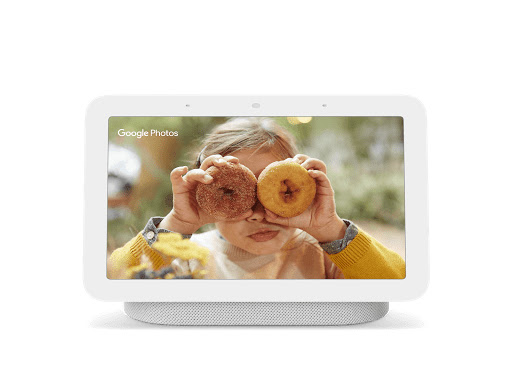
Google Nest
Google Nest Hub (2nd Gen)Bedside smart display with radar sleep tracking and hands-free Google Assistant.
- +Soli radar sleep tracking with no camera, wearable, or subscription needed
- +Sunrise alarm gradually brightens display to ease morning waking
- −No camera, cannot make or receive video calls from the display
- −Speaker is adequate for ambient sound but underwhelming for serious music listening
Aqara
Aqara Smart Hub M3Multi-protocol hub with Zigbee 3.0, Thread and Matter support and local automations
- +Supports Zigbee 3.0, Thread and Matter in one hub
- +Zigbee 3.0 bridges legacy Aqara devices to Matter
- −USB power adapter is not included
- −Only one IR air conditioner can be exposed to Matter
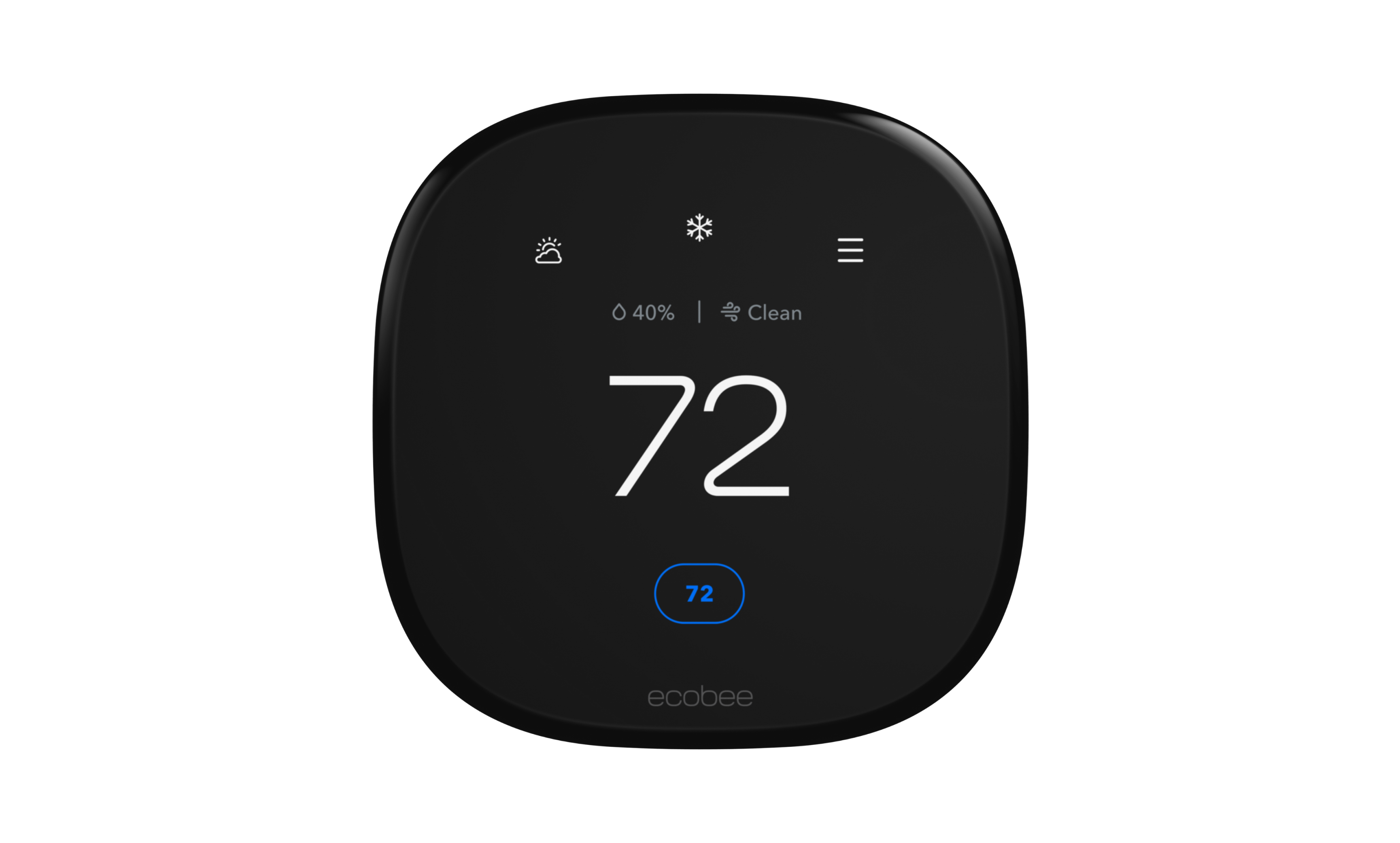
Ecobee
Ecobee Smart Thermostat PremiumSmart thermostat with a SmartSensor in the box, air quality monitoring, and Siri or Alexa built in.
- +Indoor air quality monitor with alerts and air filter reminders
- +SmartSensor in the box helps balance temperature in the rooms you use
- −Built-in voice assistant may not suit privacy-conscious households
- −Regular price is $60 more than the Enhanced ($259.99 vs $199.99 on ecobee.com as of October 2026)
Philips Hue
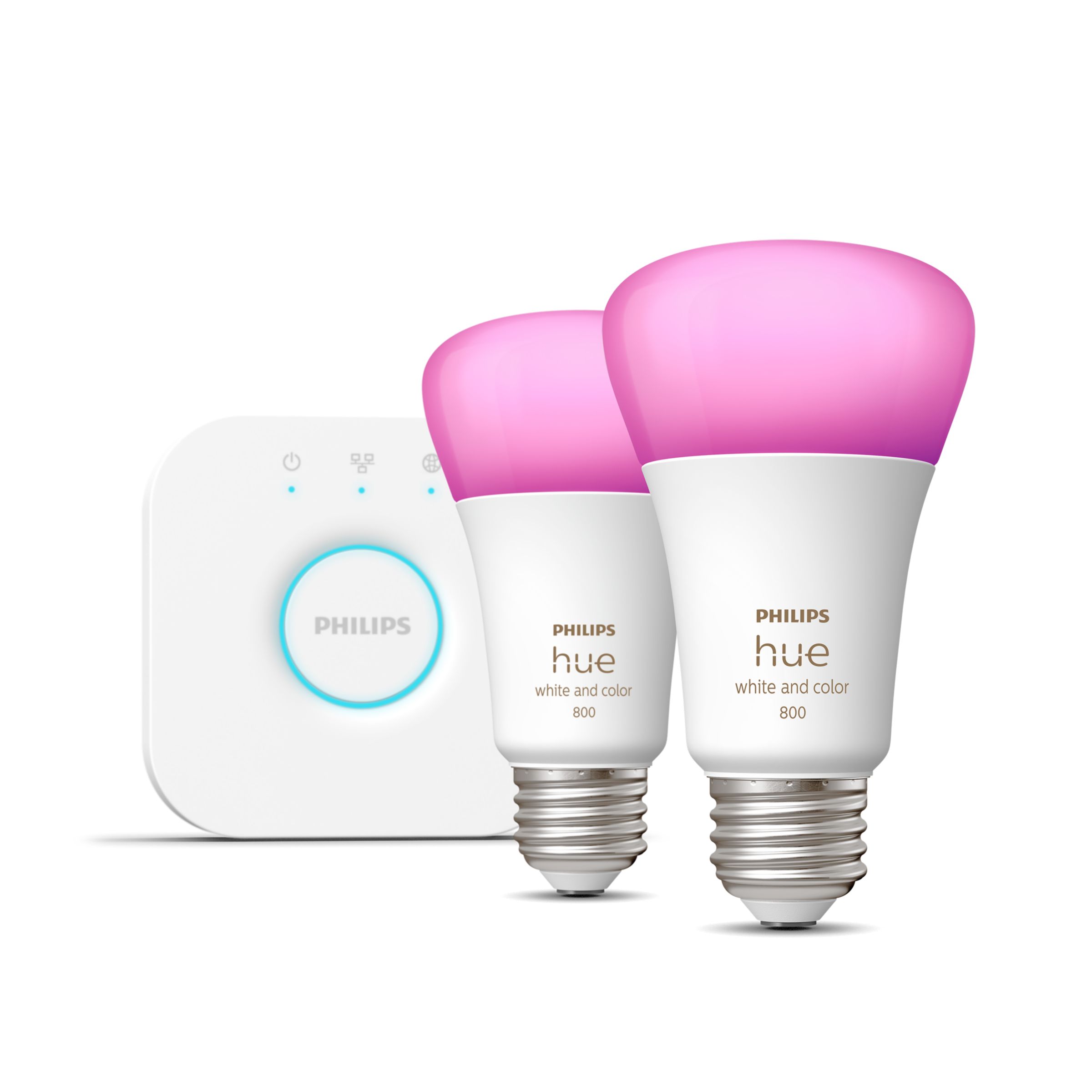
Philips Hue White & Color A19 Starter KitTwo color A19 bulbs plus the Hue Bridge for the full Hue feature set.
- +Hue Bridge included in the kit
- +Works with Alexa, Google Home, Apple Home, SmartThings and Matter
- −Voice assistants and third-party platforms need the Bridge
- −Output drops to 570 lumens at 2700K (806 at 4000K)
Dreame
Dreame L60 Ultra PE Robot Vacuum & MopBest-in-class combo robot vacuum and mop with Matter support
- +Top-rated carpet and hard floor cleaning in 2026
- +Matter-certified for universal smart home compatibility
- −Premium price point
- −Large base station footprint
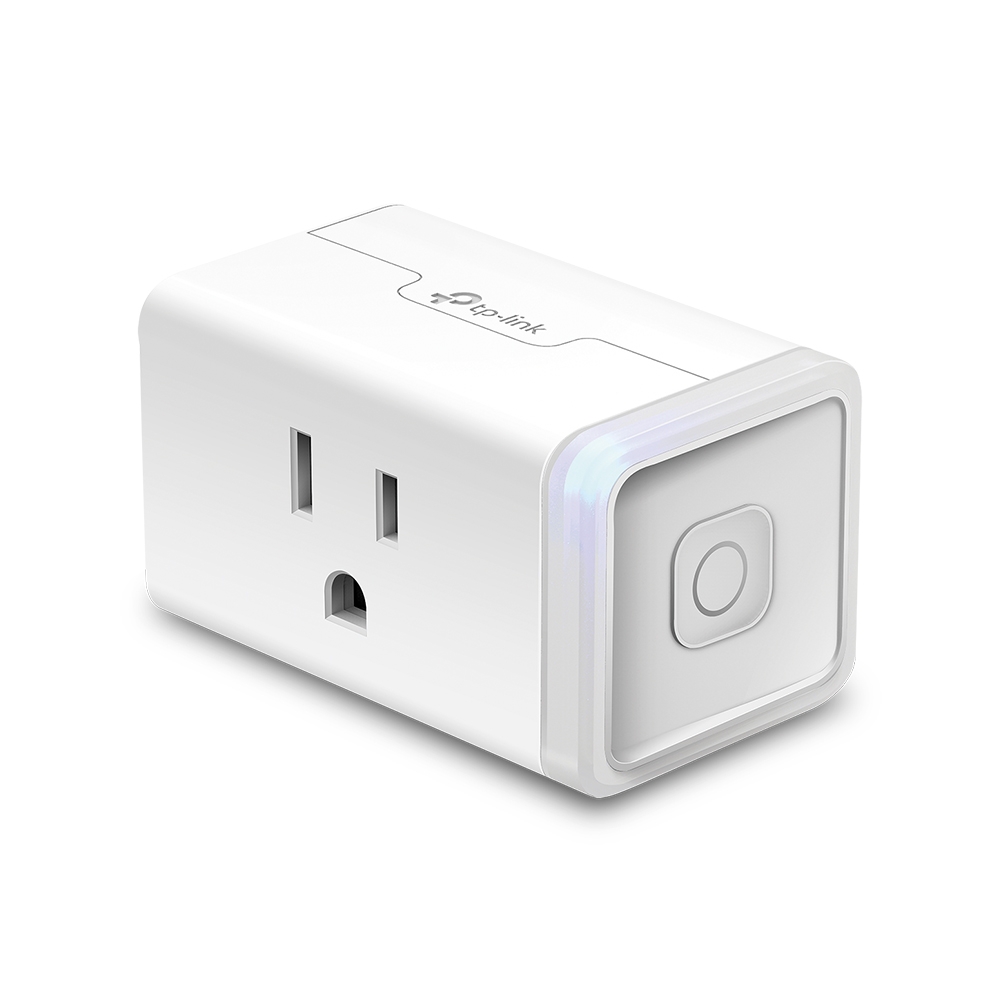
- +Cheap and reliable
- +Matter support out of the box
- −2.4 GHz Wi-Fi only
- −Plain industrial design
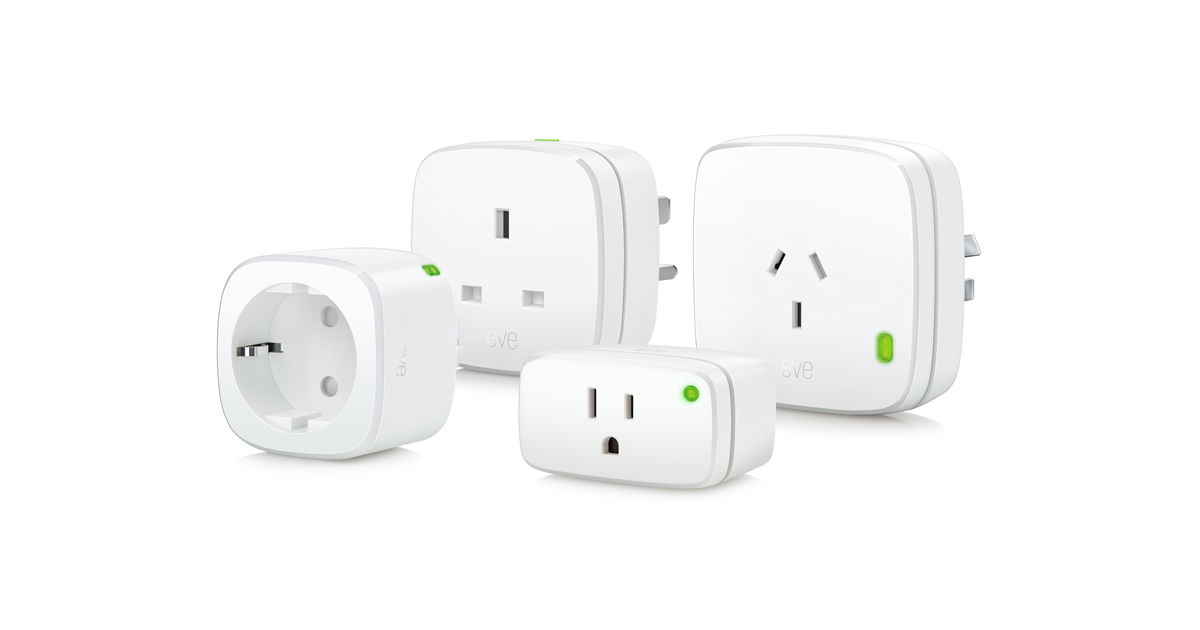
- +Real-time wattage, amperage, and estimated monthly cost tracking
- +Thread protocol, fully local, no bridge, no internet dependency
- −Full energy dashboard is iOS/macOS only, no official Android app
- −Higher price than non-Thread alternatives for equivalent outlet control

- +Full local control
- +No subscription
- −Requires hardwiring
- −Advanced setup
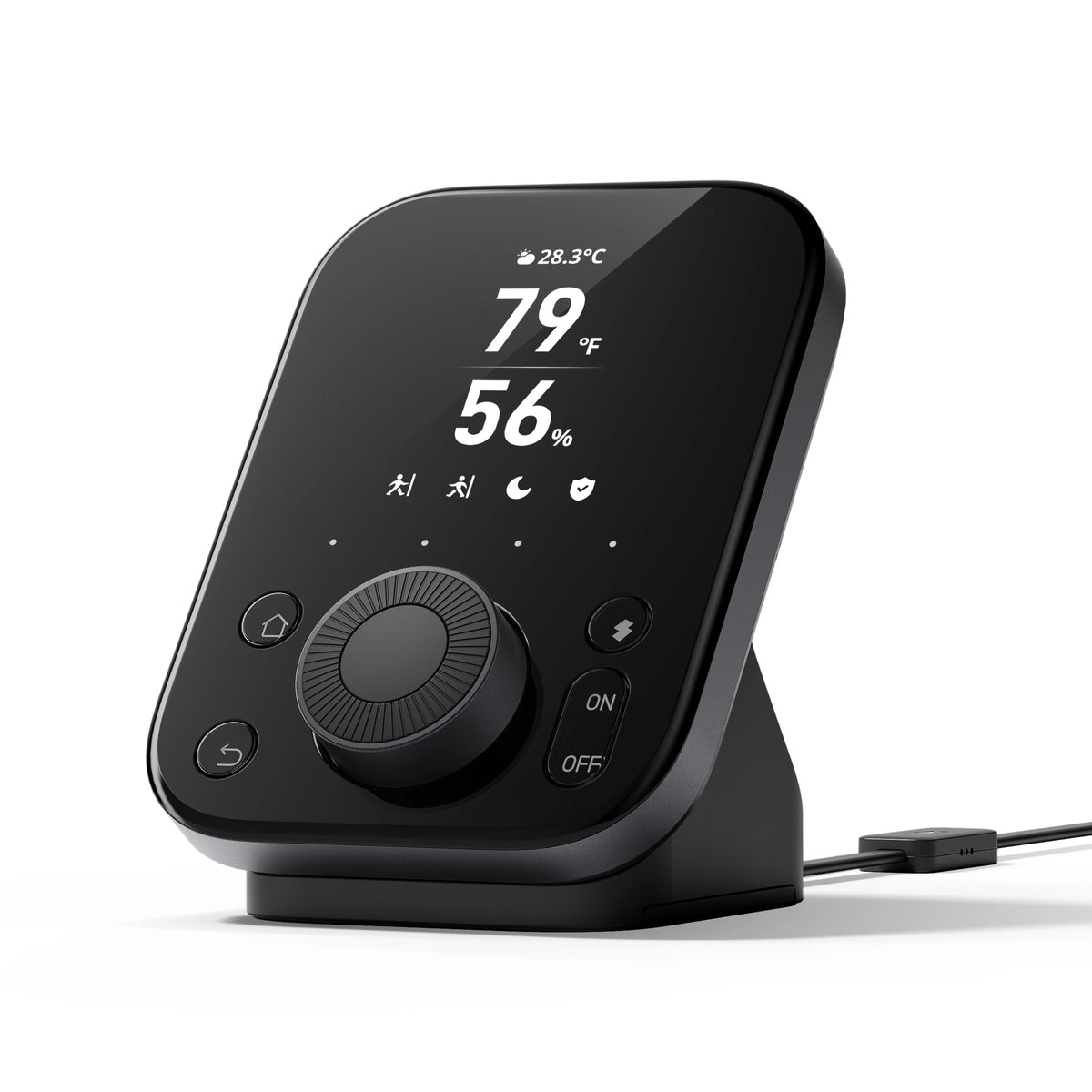
- +IR control for legacy appliances
- +Built-in sensors and knob
- −Full value requires other SwitchBot accessories
- +Matter over Thread for best-in-class reliability
- +16 million colors + tunable white
- −Thread requires a Thread Border Router for full benefits
- −Single bulb, starter kit costs more
Rachio
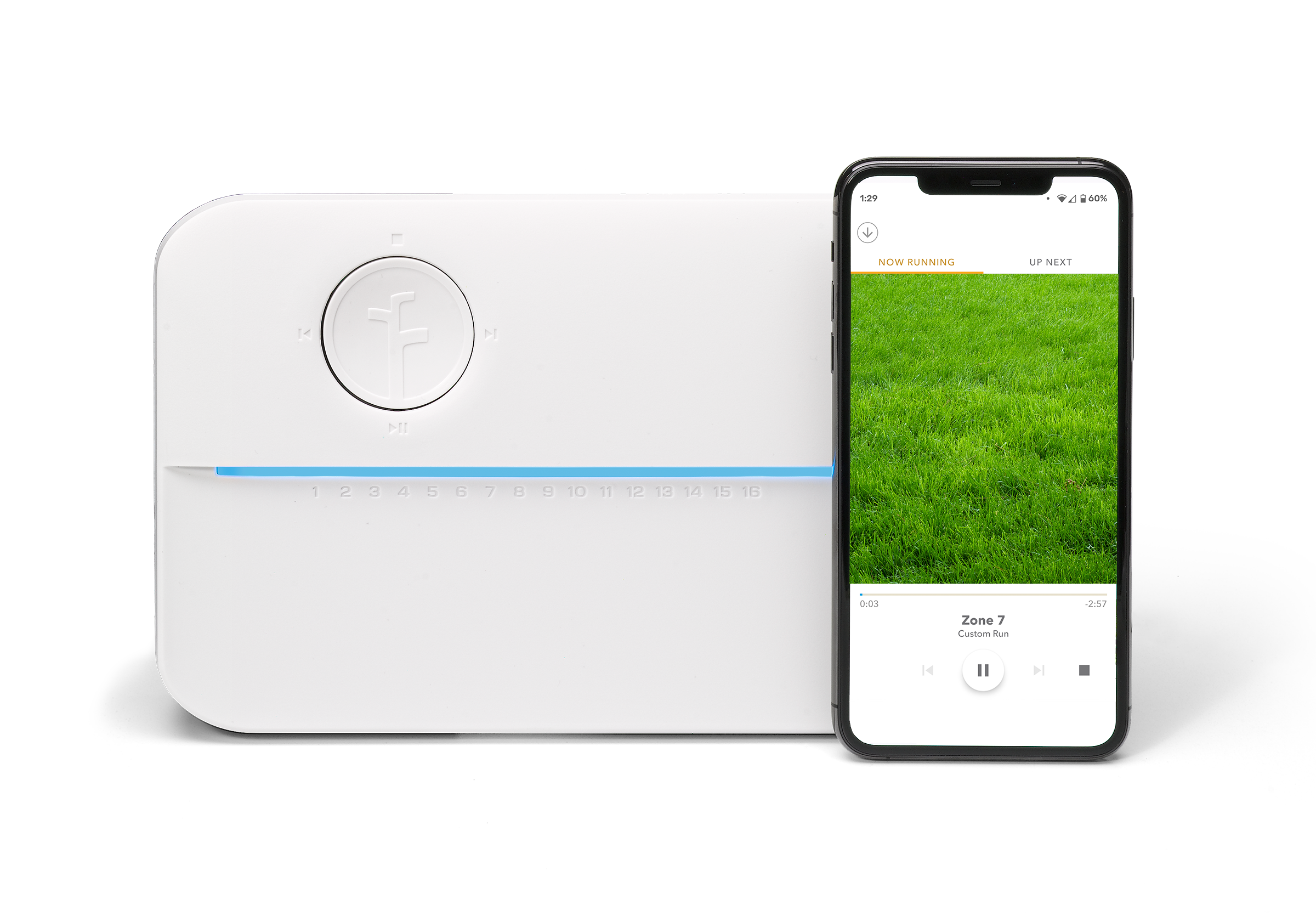
Rachio 3 Smart Sprinkler Controller (8-Zone)EPA WaterSense certified smart sprinkler that saves up to 32% water
- +EPA WaterSense certified, 32% avg water savings
- +No monthly subscription fee
- −Only works with in-ground sprinkler systems
- −App required for full control
Related guides
Frequently asked questions
Can I control all my smart home devices from one app?
Largely, yes, if your devices are Matter-certified. Matter devices appear natively in the Alexa, Google Home, Apple Home and SmartThings apps with their core functions intact. Cameras and robot vacuums are the main exceptions, where advanced features such as detection zones or map editing usually stay in the manufacturer app.
Do smart home apps work when the internet is down?
It depends on the platform and the device. Apple Home with a hub, SmartThings for local-capable devices, and Home Assistant all continue working on the local network. The Alexa and Google Home apps are largely cloud-dependent, so most control and automations stop until the connection returns. Devices with local control, such as Shelly and Zigbee gear on a local hub, keep responding to physical switches regardless.
Is Home Assistant worth using instead of a manufacturer app?
If you have more than about twenty devices, care about local control, or want automations more complex than a platform rule builder allows, it is a substantial upgrade. The tradeoff is real maintenance — updates, integrations that occasionally break, and an initial setup measured in hours rather than minutes.