Smart Home Ecosystems: How They Fit Together in 2026
By Ethan Halfhide · Updated
Smart home ecosystems are what people actually mean when they ask whether a device will work with what they already own. In 2026 the answer is usually yes, thanks to Matter — but with caveats around radios, hubs and automation depth that product listings gloss over. This guide explains how Matter, Thread, Zigbee, Z-Wave and Wi-Fi relate to each other, and lists the devices that behave well no matter which ecosystem you have settled on.
Smart Home Ecosystems: How They Fit Together in 2026
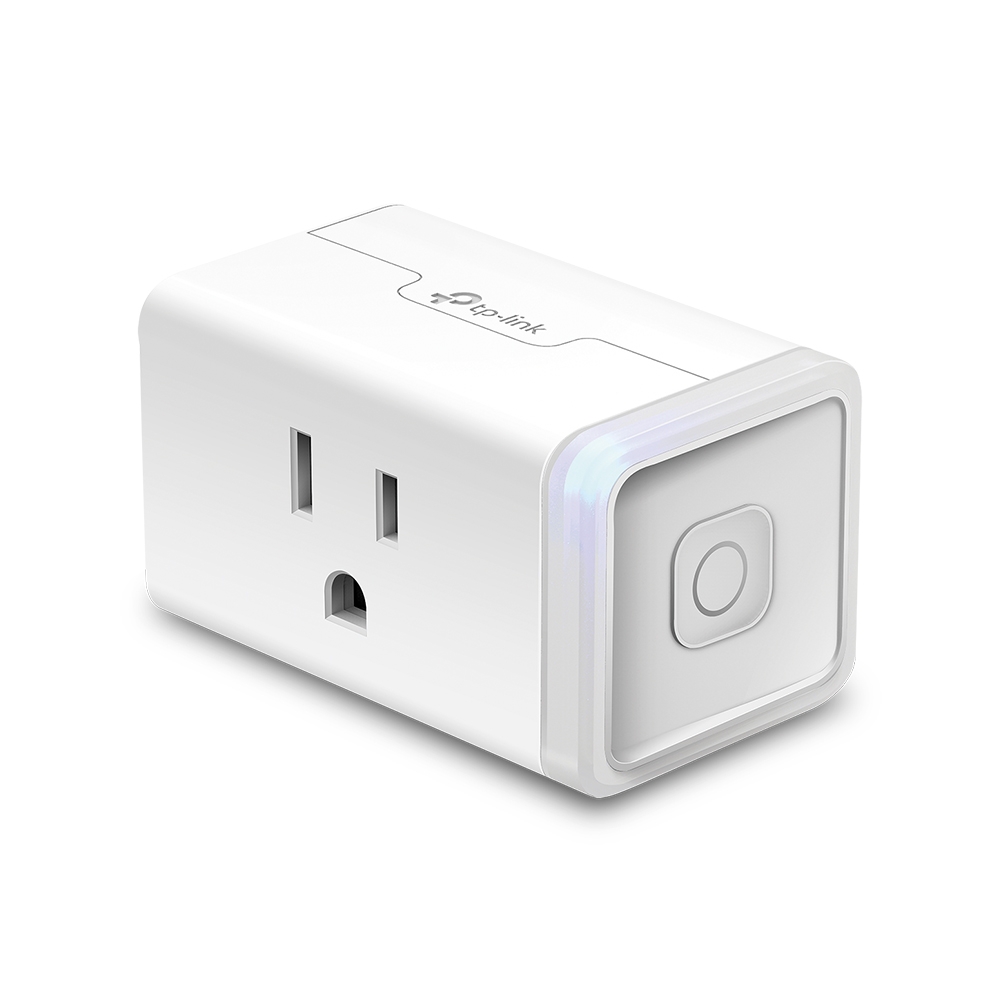 TP-Link Kasa
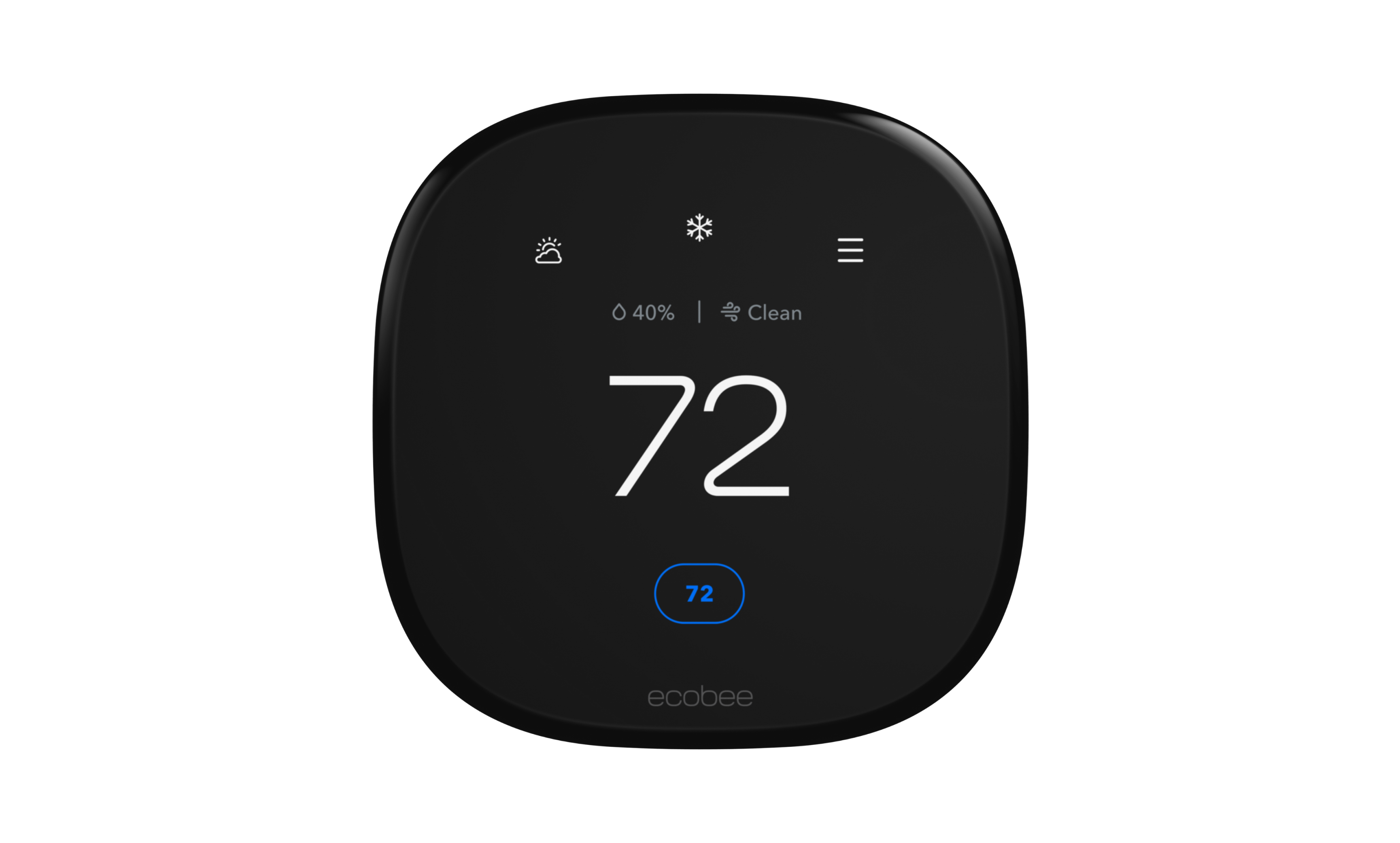 Ecobee
What is a smart home ecosystem?
Two different things get called an ecosystem. The first is the platform layer — Alexa, Google Home, Apple Home, SmartThings — which owns the app and the voice assistant; our smart home platform guide covers that side. The second is the radio layer: Wi-Fi for high-bandwidth devices like cameras, Thread for low-power battery sensors and locks, Zigbee for the large installed base of bulbs and sensors, and Z-Wave for older long-range gear. Matter sits above the radio layer as an application standard, so a Matter device can run over Wi-Fi or Thread and still be commissioned by any certified platform. The practical consequence is that in 2026 you should evaluate a device on two axes: which platforms it is certified for, and which radio it uses — because the radio determines whether you need a hub.
Buying guide
If you are starting fresh, buy Matter-certified devices exclusively and add a Thread border router early — the Nanoleaf Essentials A19 review shows how painless hubless Thread bulbs are once one is in place. Thread sensors last far longer on a battery than Wi-Fi ones and do not clog your router with dozens of connections. If you already own Zigbee bulbs or Z-Wave sensors, do not replace them — buy a hub that bridges them, such as the Aeotec Hub 2 or Aqara M3, and let them retire naturally; our roundup of smart home automation controllers ranks the bridging options. Reserve Wi-Fi for devices that genuinely need bandwidth: cameras, robot vacuums, displays. And treat any device with no Matter certification and no local API as a rental rather than a purchase, because its lifespan is set by the manufacturer's cloud rather than by the hardware.
Related Guides
Choosing a platform is the biggest decision here, and Alexa vs Google Home vs HomeKit walks through the trade-offs of each. To see how each ecosystem handles day-to-day control, compare smart home apps side by side, and compare smart home displays if you want a wall or countertop screen for the same job.
Best cross-ecosystem devices
- +Matter over Thread for best-in-class reliability
- +16 million colors + tunable white
- −Thread requires a Thread Border Router for full benefits
- −Single bulb, starter kit costs more
Aqara
Aqara Smart Hub M3Multi-protocol hub with Zigbee 3.0, Thread and Matter support and local automations
- +Supports Zigbee 3.0, Thread and Matter in one hub
- +Zigbee 3.0 bridges legacy Aqara devices to Matter
- −USB power adapter is not included
- −Only one IR air conditioner can be exposed to Matter
- +Cheap and reliable
- +Matter support out of the box
- −2.4 GHz Wi-Fi only
- −Plain industrial design
Ecobee
Ecobee Smart Thermostat PremiumSmart thermostat with a SmartSensor in the box, air quality monitoring, and Siri or Alexa built in.
- +Indoor air quality monitor with alerts and air filter reminders
- +SmartSensor in the box helps balance temperature in the rooms you use
- −Built-in voice assistant may not suit privacy-conscious households
- −Regular price is $60 more than the Enhanced ($259.99 vs $199.99 on ecobee.com as of October 2026)

Aeotec (Samsung SmartThings)
Aeotec Smart Home Hub 2SmartThings hub with Matter, a Thread border router and Zigbee 3.0
- +Built-in Thread border router and Matter controller
- +Connects by Wi-Fi or Ethernet
- −No Z-Wave in Aeotec's Hub 2 technical details
- −Managed through the SmartThings app
Dreame
Dreame L60 Ultra PE Robot Vacuum & MopBest-in-class combo robot vacuum and mop with Matter support
- +Top-rated carpet and hard floor cleaning in 2026
- +Matter-certified for universal smart home compatibility
- −Premium price point
- −Large base station footprint
- +Integrated Wi-Fi, no bridge needed
- +Unlimited PIN codes and auto-lock
- −No fingerprint reader
- −Matter module is a paid add-on

- +Full local control
- +No subscription
- −Requires hardwiring
- −Advanced setup
Meross
Meross Smart Garage Door Opener (MSG200)Affordable Matter-compatible garage door opener that works with every platform
- +Matter 1.2 certified, works with all major platforms
- +No hub or subscription required
- −Requires compatible garage door opener (most brands supported)
- −No built-in camera
- +Brings legacy devices into Matter
- +Affordable bridge
- −IR/RF reliability varies by device
- −Spring 2026 launch

TP-Link Tapo
TP-Link Tapo P110M Smart Plug MiniMatter-certified mini smart plug with precise energy monitoring
- +Extremely affordable
- +Precise 0.001 kWh energy monitoring
- −Energy monitoring not yet exposed over Matter (Tapo app only)
- −2.4GHz Wi-Fi only
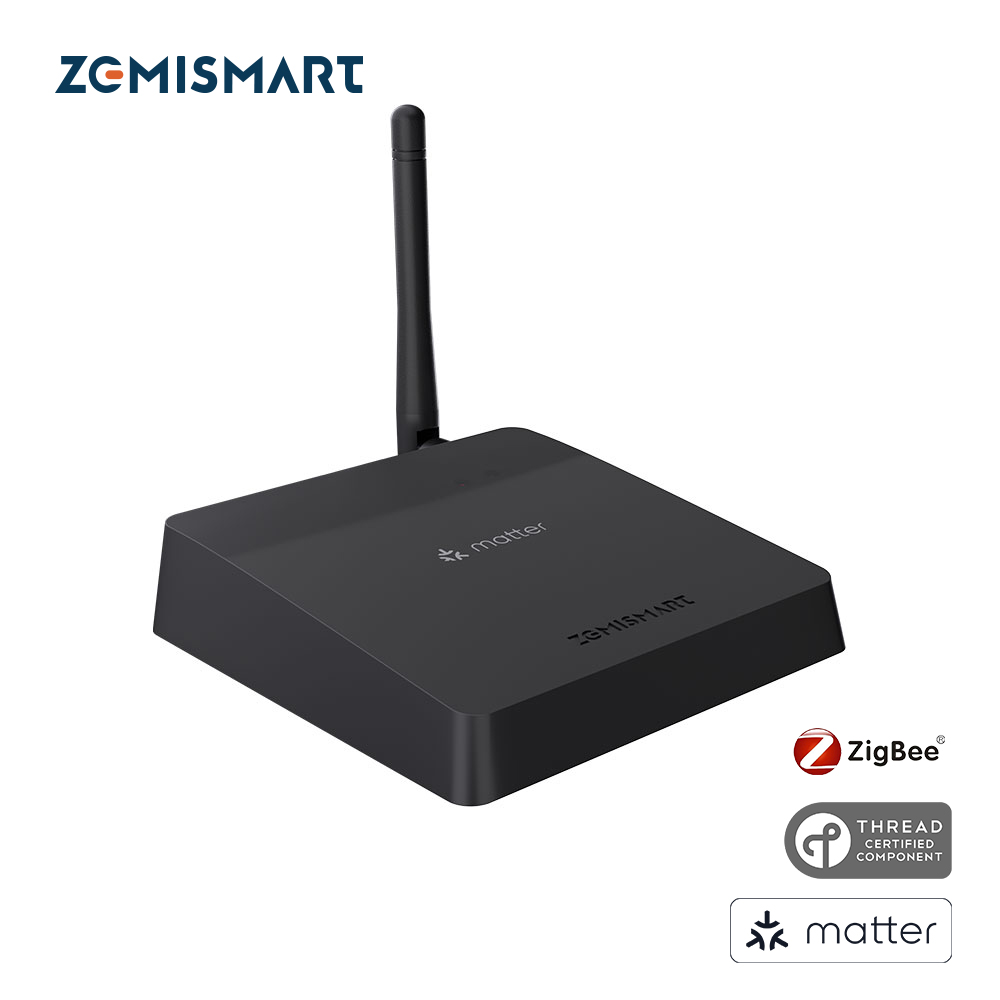
Zemismart
Zemismart M1 Pro Matter HubMatter controller, Thread border router, Zigbee hub and IR blaster in one $69 box.
- +Four device roles in one unit at a low price
- +Ethernet option for a stable wired backhaul
- −Tuya-based Zigbee stack may not pair with every Zigbee device
- −Smaller brand with less support depth than Aqara or SmartThings
Related guides
Frequently asked questions
What is the difference between Matter and Thread?
Thread is a low-power mesh radio protocol, comparable to Zigbee. Matter is an application-layer standard that defines how devices describe themselves and how platforms talk to them. Matter can run over Thread, Wi-Fi or Ethernet. A Matter-over-Thread device needs a Thread border router in the home; a Matter-over-Wi-Fi device does not.
Will my old Zigbee and Z-Wave devices work in a Matter ecosystem?
Not directly, but a bridging hub solves it. Hubs like the Aeotec Smart Home Hub 2, Aqara M3 and Zemismart M1 Pro expose Zigbee and in some cases Z-Wave devices to Matter platforms. The bridged devices usually get basic on and off control reliably, with some brand-specific features left behind.
Do I have to pick just one smart home ecosystem?
No. Matter multi-admin is designed precisely so you do not have to. Many households run Apple Home for privacy and local automations while keeping Alexa on speakers for voice control. The practical limit is your own patience for maintaining automations in two rule builders.